 Bunkai
Get the app
Take it apart.
Put it back.
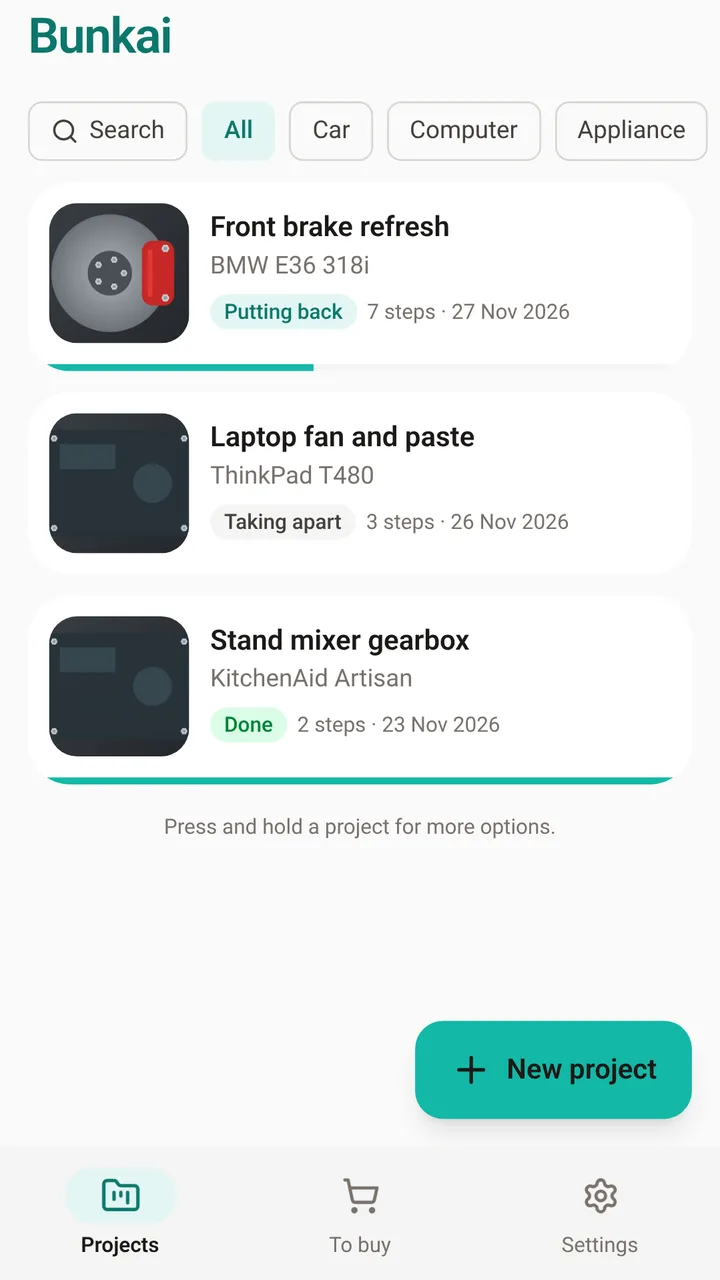
Photograph each step as things come off, note every bolt, which bag it went into and its torque. When it’s time to reassemble, Bunkai plays the job back in reverse, one step at a time.
Cars, bikes, laptops, appliances, furniture, anything with screws. Android. Offline. No account.
Capture fast
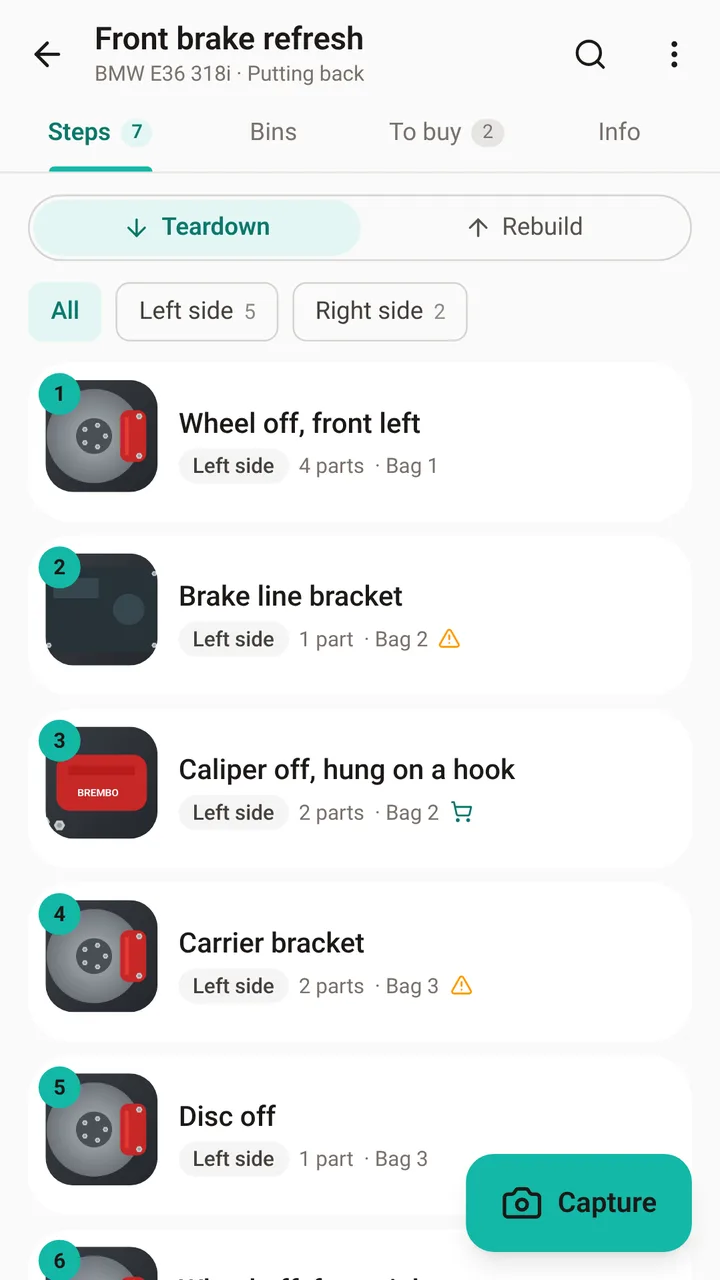
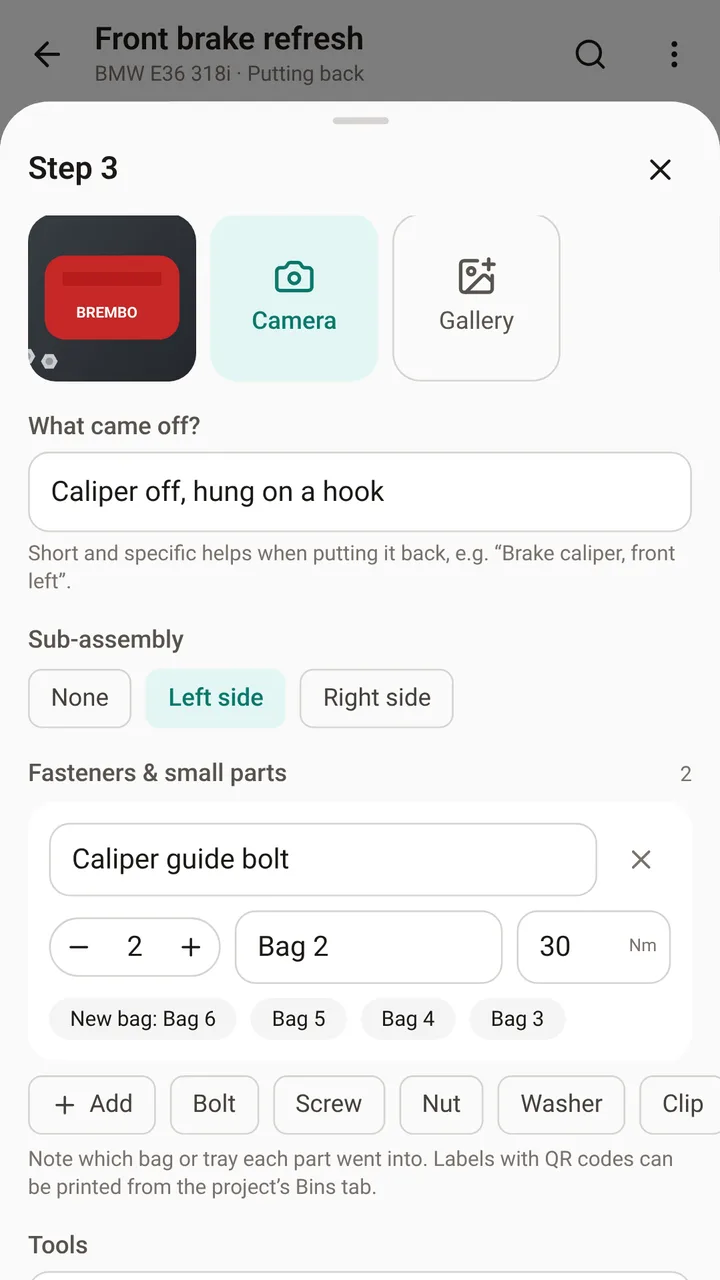
One tap opens the camera. Save & next goes straight to the next step, so you keep your hands on the job.
Every bolt, every bag
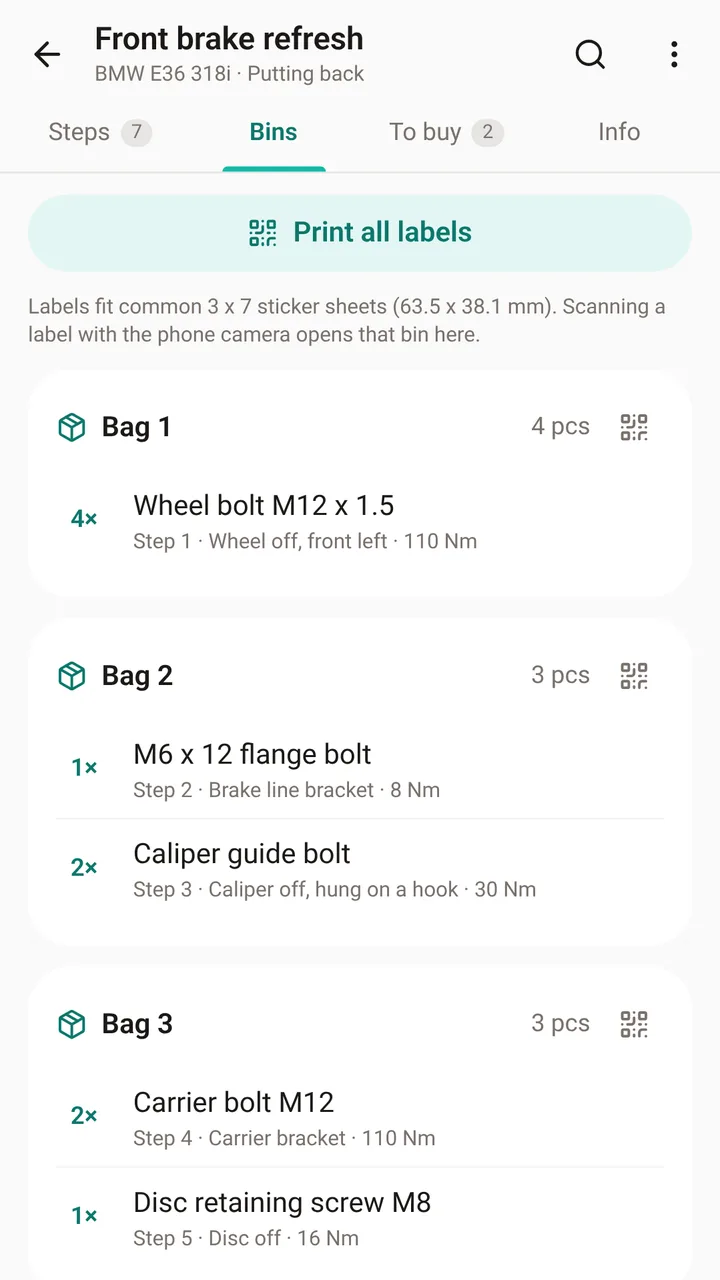
Log fasteners with size, count, bag or tray and torque. “New bag” numbers them for you.
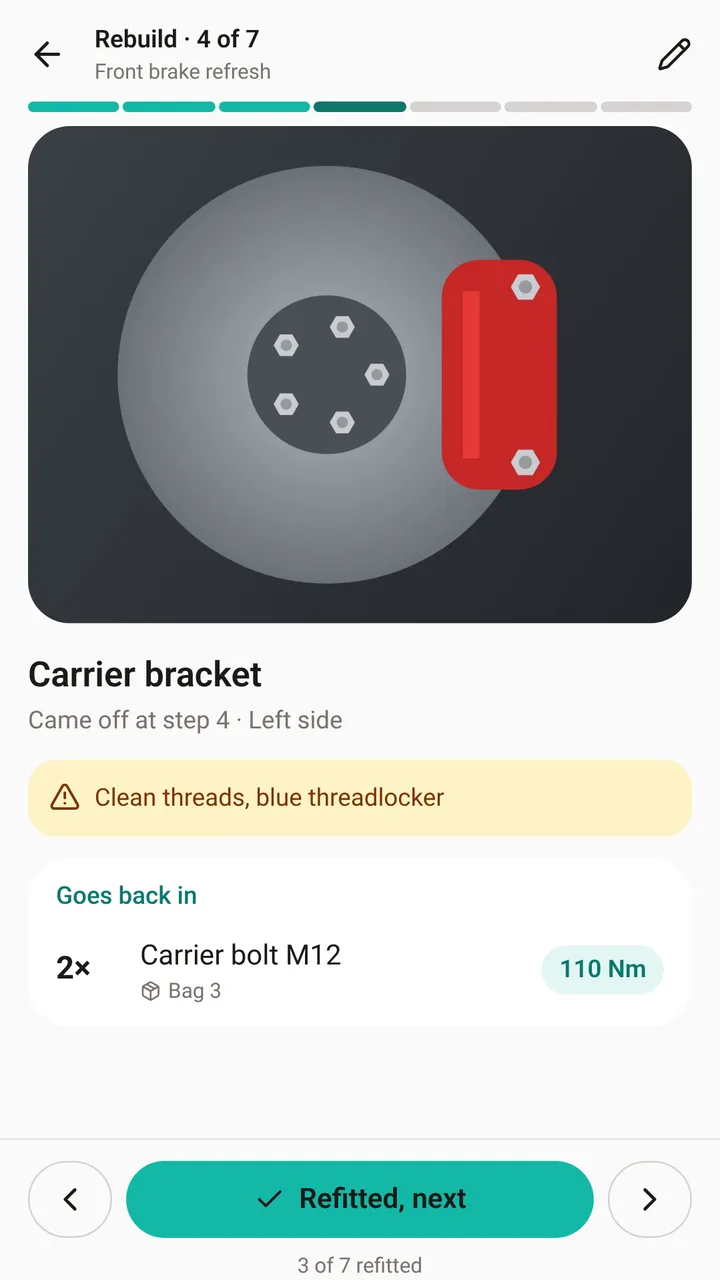
Rebuild in reverse
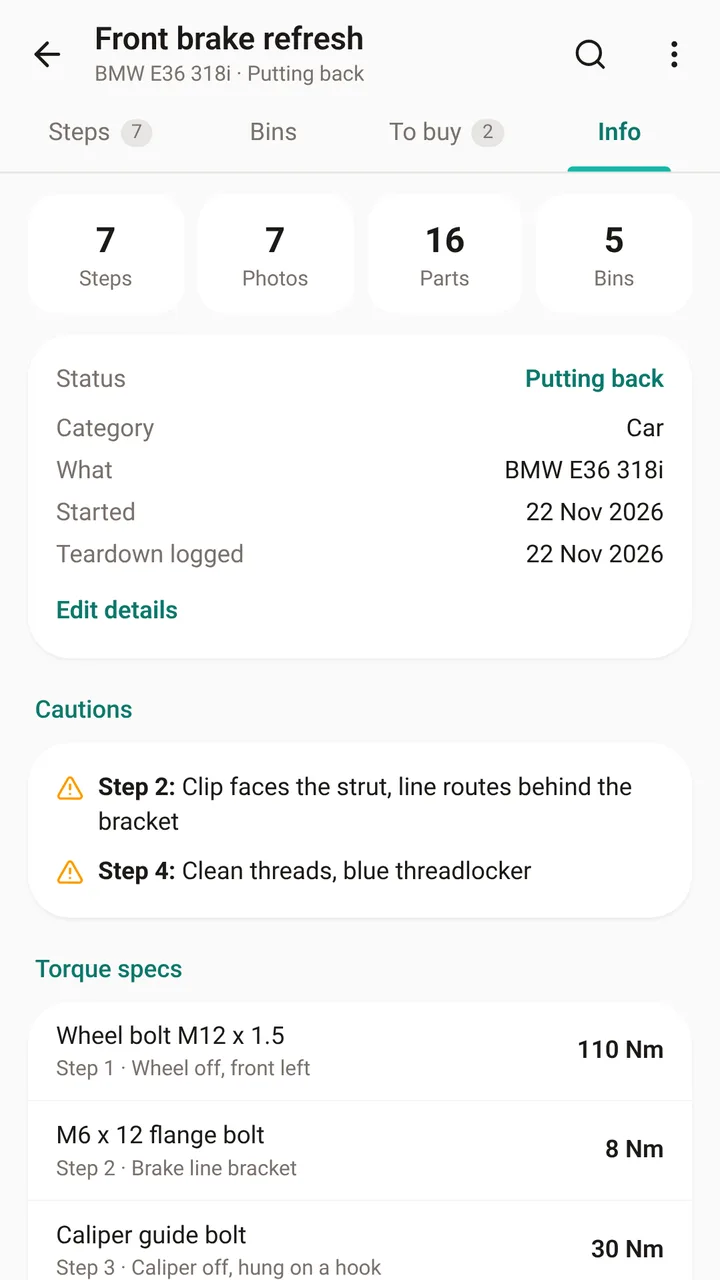
Last off, first on. Big photo, parts to refit, torque and cautions, then tick it off. The screen stays on.
QR bag labels
Print labels for 3 x 7 sticker sheets. Scan one with the phone camera to see what’s inside and where it came from.
Mark up photos
Arrows, circles, boxes, freehand and labels. The original is kept, so markup can always come off.
Parts to buy
Gaskets, crush washers and stretch bolts marked “don’t reuse” land on a shopping list across all projects.
Sub-assemblies
Split a big job into Interior, Engine bay, Front suspension and filter steps by them.
Share and keep
PDF guides in rebuild or teardown order, project files, full backups with photos, a 30-day recycle bin and undo.
Get Bunkai
Bunkai is in closed testing on Google Play. Want in? Email support@peckinglabs.com.